Brightness Control per app
Stop adjusting brightness manually every time you switch apps. Set custom brightness levels once for each app, and your phone automatically adjusts as you move between them – giving you the perfect viewing experience every time.
Download on Google PlayWhy You'll Love This App
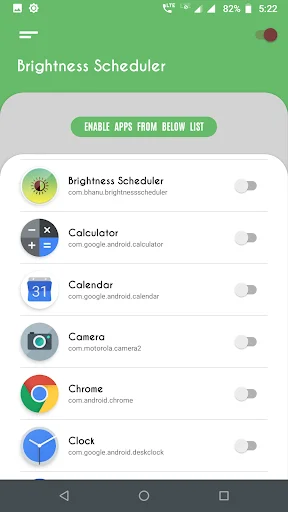
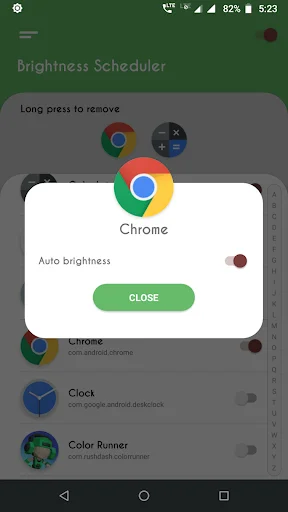
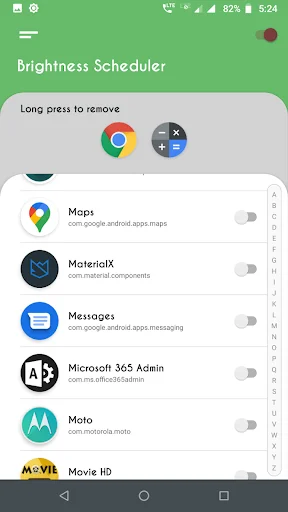
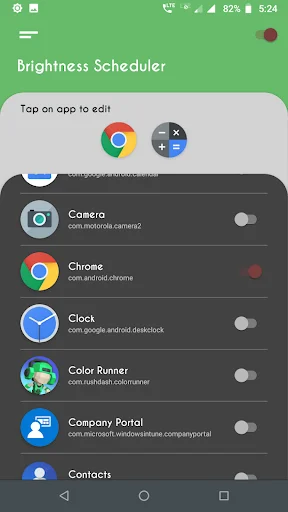
Custom Settings Per App
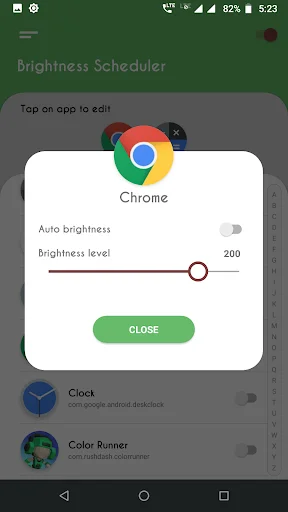
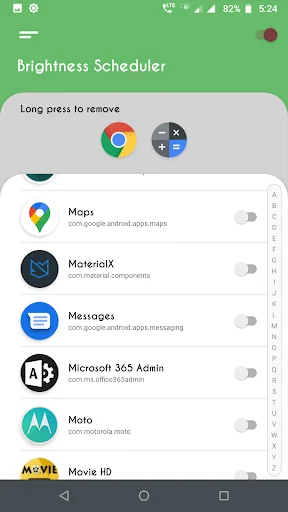
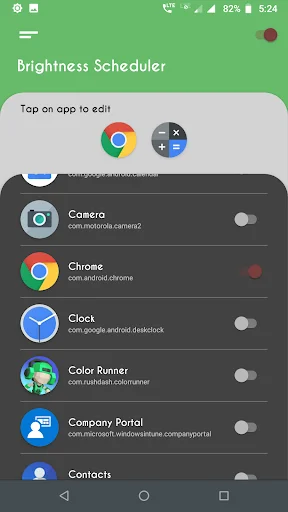
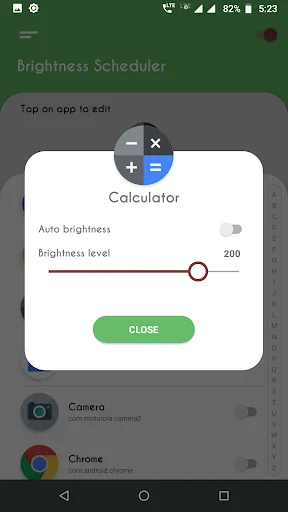
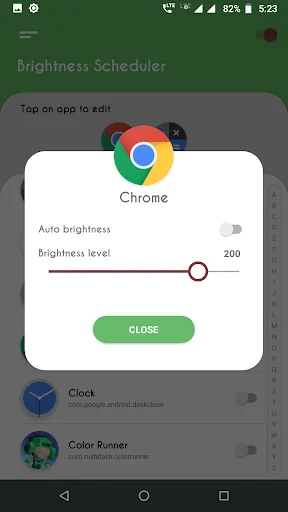
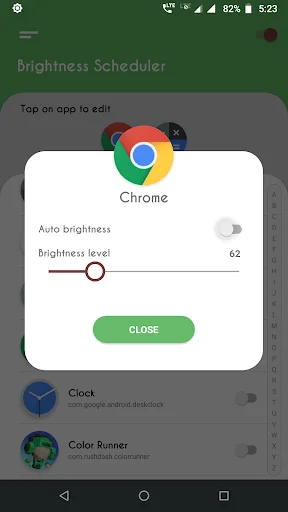
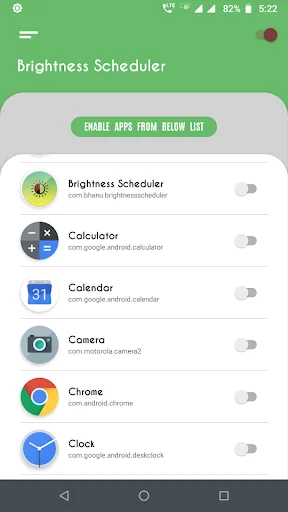
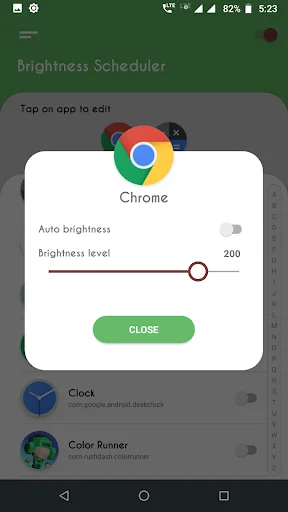
Give each app its own brightness level. Videos get maximum brightness for clear viewing, reading apps stay dim for comfort, and games get exactly what you need – all configured once and applied automatically.
Automatic Brightness Switching
Your brightness changes instantly when you switch apps. No more manual adjustments – just open an app and enjoy the perfect brightness level you preset for it.
Night Mode Eye Protection
Reduce eye strain and glare during nighttime use. Low brightness settings keep your screen comfortable for reading and browsing in the dark without hurting your eyes.
Protect Your OLED Screen
Prevent screen burn-in and extend your device's life. Smart brightness control helps OLED screens last longer by managing brightness levels during extended use, especially important if you use your phone for 6-8+ hours daily.
Max Brightness: Screen Dimmer - Optimize Your Screen's Light!
Discover how to easily customize your screen using the Max Brightness: Screen Dimmer app. Adjust your device light automatically for each app, saving time and enhancing viewing comfort. Whether using a dimmer for nighttime reading or enhancing visibility during the day, this app is your go-to for effective management.
Experience the perfect balance with Max Brightness: Screen Dimmer, optimized for dark mode and nighttime use with the Low Brightness Night Mode App. Get ready to enhance your screen light for an effortless viewing experience across all your apps!
Max Brightness: Screen Dimmer Key Features:
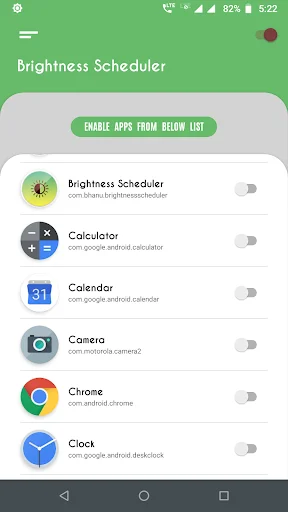
- Enable custom light settings for individual apps;
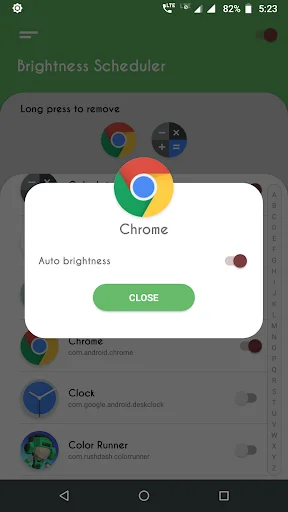
- Auto-adjust levels based on the app you open;
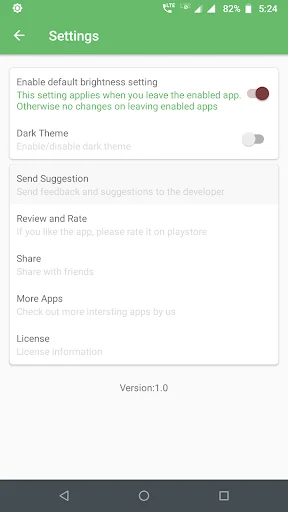
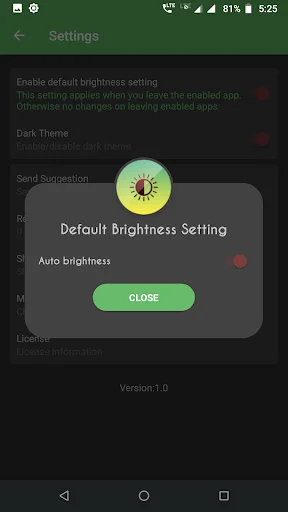
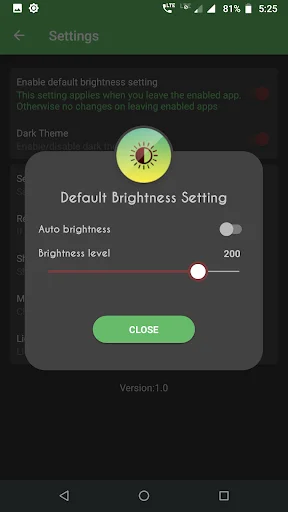
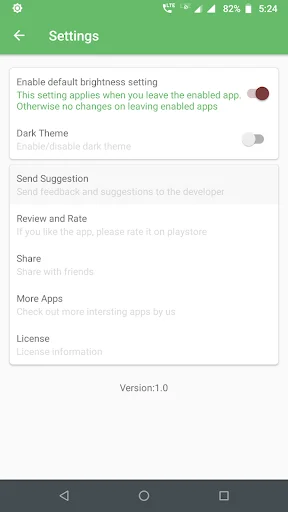
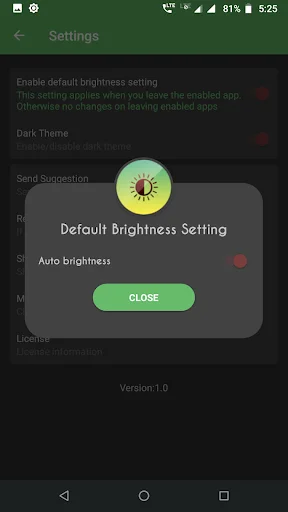
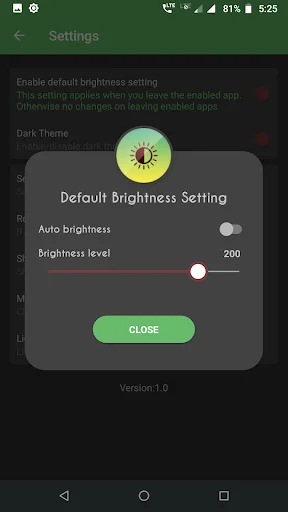
- Set default levels for unconfigured apps;
- Simple, user-friendly interface for quick configuration;
- Low Brightness Night Mode App to reduce screen glare at night;
- Maximize screen visibility with Adjust Brightness Dimmer for any environment.
Effortlessly Adjust Screen Light for All Your Apps
Adjust Brightness Dimmer provides seamless control over your screen's light based on the app. Configure each app to use a specific light level, allowing for tailored visibility and comfort across various environments. With Screen Brightness: Dark Mode enabled, you'll enjoy an intuitive, hassle-free experience that automatically dims your screen for nighttime use and boosts it for bright environments.
Adjust Brightness Dimmer - Optimized for Comfort and Convenience: For devices with higher maximum light levels, the Max Brightness: Screen Dimmer app includes an advanced setting to detect and apply the device's top light limit. Customize this Adjust Brightness Dimmer setting once, and your preferences are saved to ensure consistent performance. Adjust light in seconds for an ideal experience with Screen Brightness: Dark Mode.
Screen Brightness: Dark Mode - Smooth Functionality: The Low Brightness Night Mode App uses a background service to efficiently manage light settings across apps. Once enabled, this service ensures that light adjusts automatically as you switch between apps, providing a smoother experience without needing constant manual adjustments.
Ensure the Right Light Every Time: Stay in control with a default light setting for unconfigured apps, which is automatically applied when exiting our Screen Brightness: Dark Mode app. This way, your screen's light remains consistent across all applications, without the hassle of manual adjustments.
Take Full Control with Max Brightness: Screen Dimmer!
Embrace easy, customized light control with the Low Brightness Night Mode App. From reducing glare at night to maximizing clarity in bright conditions, this app ensures your device adapts to any setting. Try Max Brightness: Screen Dimmer for reliable, convenient light management designed for every user and environment!
See How Simple Brightness Control Can Be
Loved by Thousands of Users
Android 8 - Galaxy J7 Prime. Works like charm, but had to do it this way. DL. Went to OS app Permissions and set BM to ON. Ran BM. Asks for 2 Permissions. Both failed to take. Restarted phone. Ran app. Selected 1st requested box, and it took. Tried 2nd one, Fail. Restart. See 1st Ok, select 2nd. Takes. Restart. Now can set per app as well as global setting. Tricky but worked in that order. Sammy can be funky about Permissions on a fresh dl sometimes. Can see light improvement rignt away.
This is one of the best apps for your device, if it has an OLED screen. This update fixed an issue with the Max brightness setting. Now it works perfectly The developer read my previous review, and within days he responded with an update, that fixed the issue. That's really caring. So I'm now giving 5 🌟's. and recommend it especially to people who have OLED screens and keep there Devices on longer than 6 to 8 hours. It'll help prevent burn in!
Amazing app . I love to use this app. It's really helpful for me. This app help me to manage my brightness perfectly and it's too easy . When i play games in my phone this app help me to manage my brightness to get better performance. Thank you so much
Works like a charm, I have always had the problem of manually increasing the brightness while using video apps. This app solves the problem altogether.
Thus is very useful for my camera when outdoors. You have to remember to close the manager app fully after setting up, not just press the home button.
App makes me happy boy. Seriously, the app works great for me. Way better than the stock brightness 🔆 controls