Almighty Volume Keys: Remapper
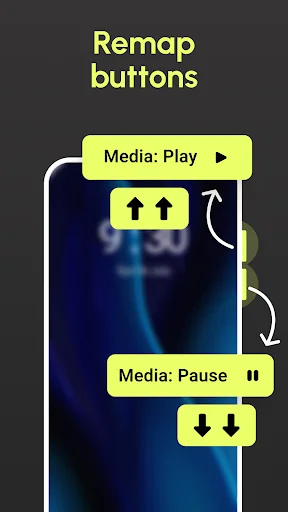
Stop limiting your volume buttons to just sound control. Remap them to control your flashlight, music, sound modes, and dozens of other functions – all without touching your screen or unlocking your device.
Download on Google PlayWhy Users Choose Almighty Volume Keys
True Hands-Free Control
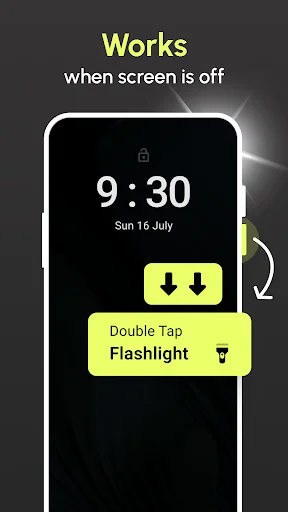
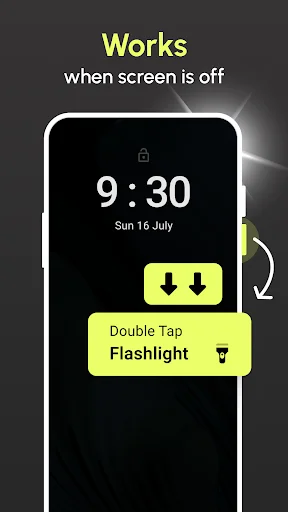
Control your phone from your pocket or while wearing gloves. Toggle your flashlight, skip songs, or switch sound modes without ever unlocking your device or touching the screen – perfect for driving, exercising, or working.
Advanced Button Combinations
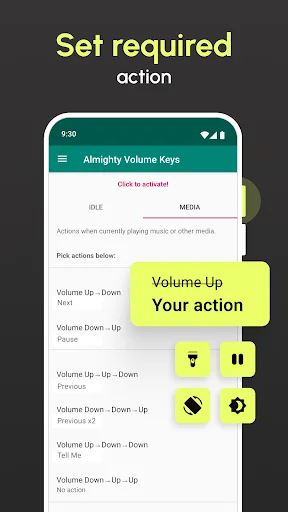
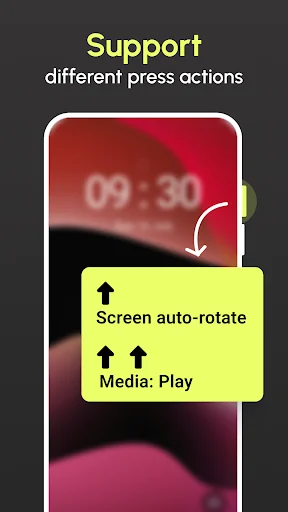
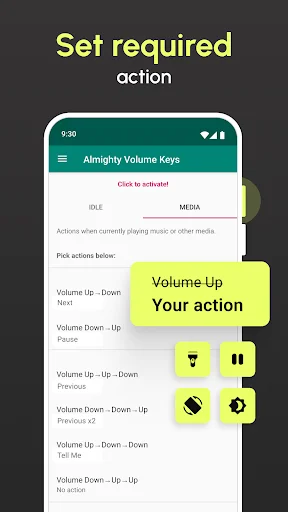
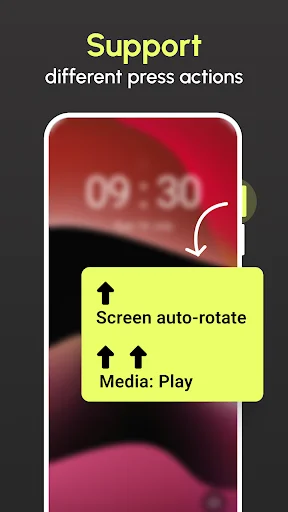
Create custom sequences like up-up-up or down-up-down to trigger specific actions. Unlike basic remappers, you get unlimited possibilities with multi-press combinations that let you pack dozens of shortcuts into just two buttons.
Instant Music Mastery
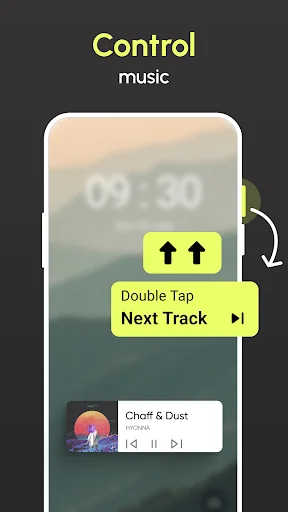
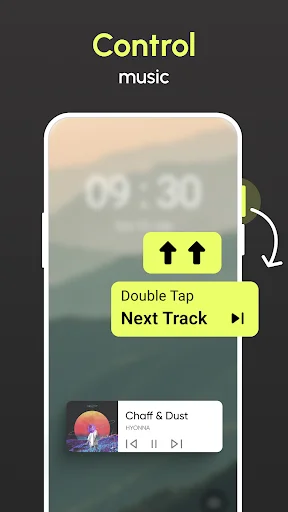
Take complete control of your music playback without fumbling for your phone. Play, pause, skip tracks, or go back – all with simple button presses that work even when your screen is off and your phone is tucked away.
Powerful Tasker Integration
Connect with Tasker to automate complex workflows and create personalized shortcuts. Execute custom tasks, launch specific apps, or trigger unique functions with a single button press for maximum productivity and efficiency.
Almighty Volume Keys – Redefine Your Device's Buttons!
Unlock the full potential of your device's volume buttons with Almighty Volume Keys! This app transforms hardware buttons into versatile tools for everyday tasks without touching the screen. Change Volume Control Buttons gives you complete control, allowing you to remap buttons, assign specific commands, and customize functions – all while keeping your device usage seamless and efficient.
No more limiting your device's volume buttons to adjusting sound; change volume control buttons to execute various commands. With Almighty Volume Keys, your device is in your hands on your terms!
Key Features of Almighty Volume Keys:
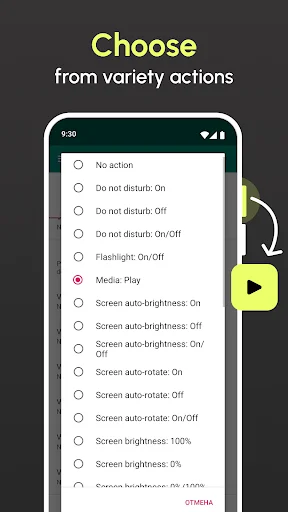
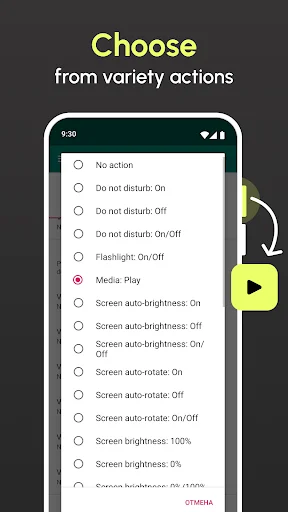
- Use volume buttons to turn the flashlight on and off;
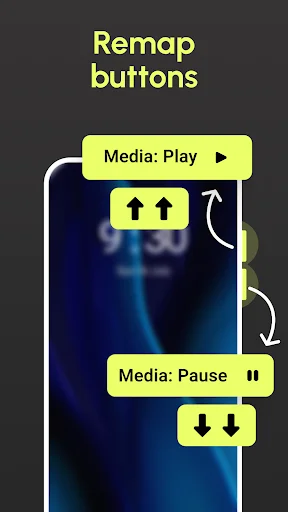
- Remap buttons for full music control (play/pause/skip track/previous track);
- Set up button combinations for actions like screen rotation, language switching, or telling time;
- Switch sound modes (sound/vibrate/mute) with ease;
- Change screen auto-rotation settings with a simple button command;
- Enable or turn off Do Not Disturb mode instantly;
- Perform quick actions without unlocking or handling the device;
- Record audio with a button press;
- Execute a Tasker task for extended automation;
- And yes, adjust the volume as usual!
Personalize Your Volume Buttons with Almighty Volume Keys!
Almighty Volume Keys empowers you to remap buttons to suit your preferences, turning them into essential shortcuts for daily tasks. Whether you need a quick flashlight, want to skip music tracks, or mute your device instantly, change volume control buttons to meet your needs. Just set the commands you prefer, and Almighty Volume Keys will execute them accurately every time.
Hands-Free and Effortless Control:
With Almighty Volume Keys, you no longer need to take your device out of your pocket or remove your gloves to perform simple tasks. Remap buttons to make your life easier and control essential functions even with the screen off. This button mapper app offers hassle-free access to everything from music controls to language settings.
Automate Tasks for Enhanced Productivity:
Take advantage of Tasker integration with Almighty Volume Keys to automate various functions with a single button press. Button Mapper provides complete control, whether activating specific settings, launching apps, or performing unique functions.
Stay Organized with Custom Actions:
Simplify your routine by setting unique combinations on your device. With the Button Mapper, use multiple button presses to activate specific actions, like volume up to turn on the flashlight or a double tap to mute sounds.
Experience Ultimate Control with Almighty Volume Keys!
Transform your device's buttons with Almighty Volume Keys and enjoy the freedom of a truly personalized experience—change volume control buttons to perform more than just volume adjustments. Remap buttons, automate tasks and make the most out of your device today with this all-in-one button mapper app. Enjoy more innovative device interactions and experience convenience like never before!
This app can use different methods to monitor key presses. To make it work reliably on some devices, you're required to give permission to AccessibilityService API. This permission is usually used by apps targeted for people with disabilities, but in this case it's just for detecting key presses.
See How Easy Customization Can Be
Trusted by Over 500,000 Users Worldwide
I wasn't even gonna get this app because I've used volume mapping apps in the past and I figured this would be just like the rest but two youtubers had recommended it so I went for it. Glad I did! This sets itself apart because it gives more options for example: up + up + up. I test out alot of apps and at this point I'm gonna say this stands to be the best volume key mapping app on the market. You definitely should give this a try. P.s. bonus points for having Tasker(app) integration. Cheers!
This 5* is for earlier version. In my Redmi 3C device i could not find tasker tasks, so I am still running older version. This app is awesome! I have setup a counter tasker task and mapped with volume button so that count works by volume button press even phone screen is off or any other app is running. Other functions also works, but I dont need. I only need counter with volume press even screen is off, and got it with combination of this app and tasker, nowhere else. Thanks for this feature.
I've found this app useful to play / pause audio when using wired headphones, for that I use 'down' (once) then 'up' (once) keys to pause or play, it's been working well. With the remaining option on the free plan with media not playing, I choose 'up' (once) and 'down' (once), opposite to my play and pause setting to hear the time at 75% volume, so it's handy to pause the audio and hear the time when working and not able to handle phone easily. Needs to be easier to disable when not required.
The only app that lets you adjust brightness through volume buttons on the side. It also works when phone is locked!
Great update! Working perfectly and really fun teaching the volume keys to do lots of new tricks!
Does what it says, assigns a lot of actions of one's choice to the volume keys. My problem with this, and really all gesture and hotkey apps, is that I forget what actions I've assigned, but that isn't the fault of the apps.