File Manager: File Explorer
Organize, find, and manage every file on your Android device with one powerful app. Storage analysis, file recovery, and built-in viewers make managing your files effortless.
Download on Google PlayEverything You Need to Master Your Files
Reclaim Your Storage Space
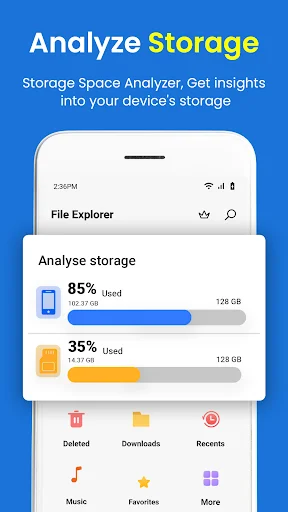
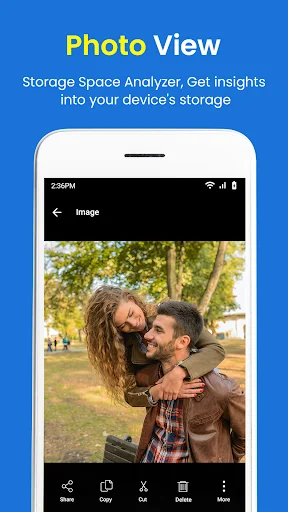
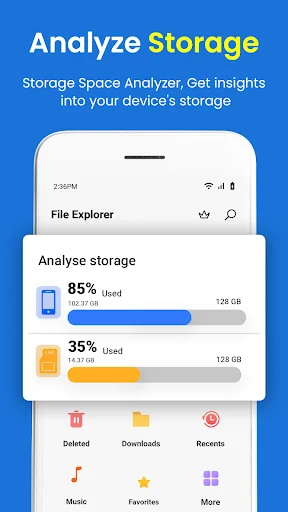
Discover what's eating up your storage with detailed analysis tools. Quickly identify large files and duplicates, then free up valuable space with a single tap to keep your device running smoothly.
Never Lose Files Again
Accidentally deleted something important? Our 30-day recycle bin keeps your deleted files safe and recoverable. Restore any file within a month, giving you peace of mind and a safety net for mistakes.
Preview Without the Hassle
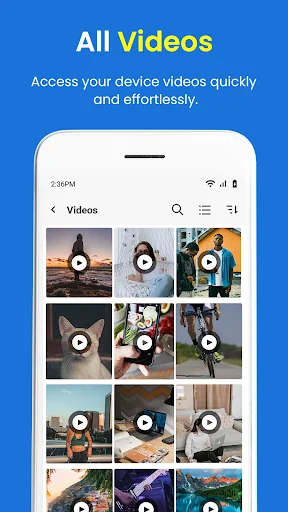
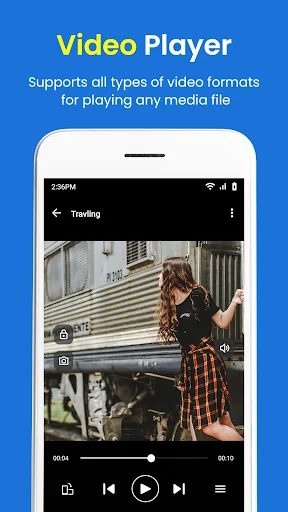
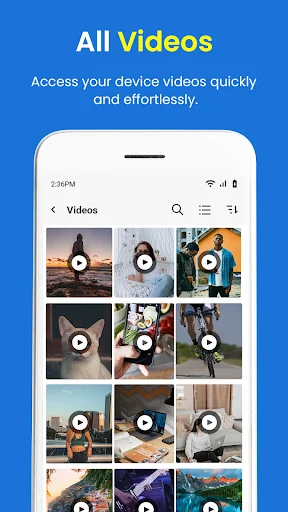
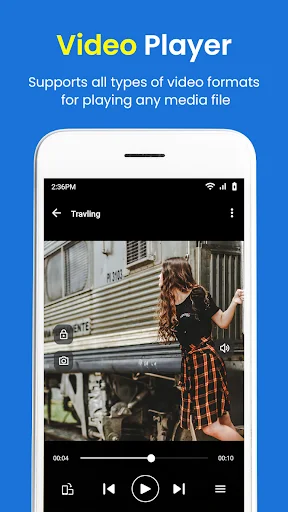
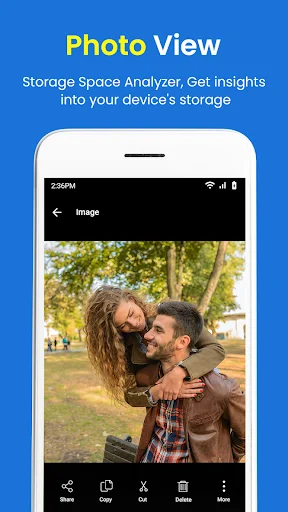
View images, videos, and documents directly within the app without switching between programs. Built-in viewers let you check files instantly, saving time and keeping your workflow smooth.
Access Files From Anywhere
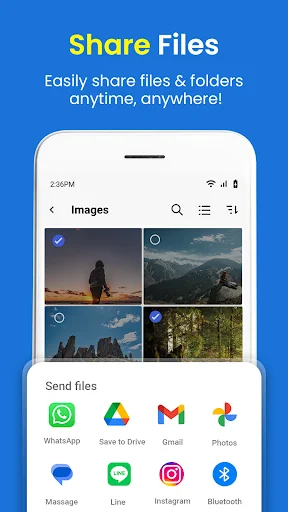
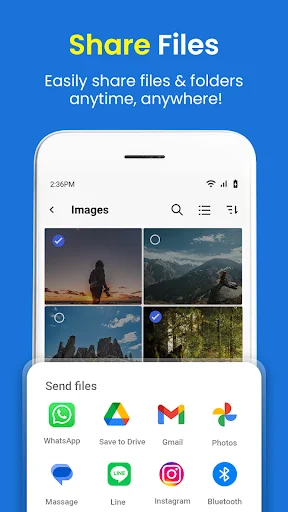
Connect to FTP servers for remote file management and seamlessly share files via email or messaging apps. Whether you're at home or on the go, your files are always within reach.
File Explorer Root Browser - The Ultimate File Management Solution!
Take control of your files and folders with File Explorer Root Browser, the comprehensive software utility for all your file management and software utility needs. Whether you want to organize, access, or share files, this powerful file management utility ensures you can easily handle everything. With My File Manager For Android, managing your data is now simpler, faster, and more efficient. Discover the features that make File Browser Pro your go-to software utility for managing files and folders effortlessly.
Key Features of File Explorer Root Browser:
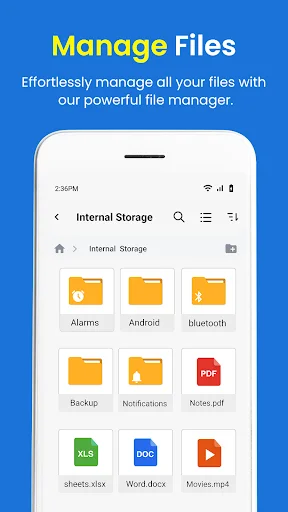
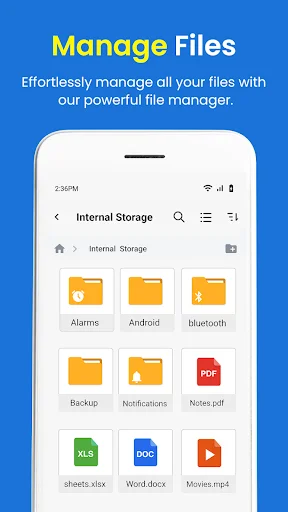
- File Explorer Root Browser: Browse, copy, move, rename, compress, and delete effortlessly
- Quick search: Instantly locate with the built-in search function
- Built-in viewer: Preview images, videos, and documents directly within the app
- Storage analysis: Get detailed insights into storage usage and free up space
- Restore deleted: Retrieve from the recycle bin within 30 days
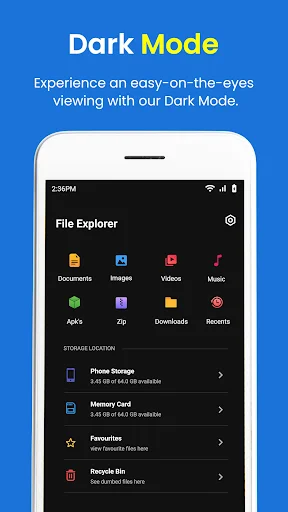
- Manage all types: Handle documents, videos, audio, images, APKs, and more
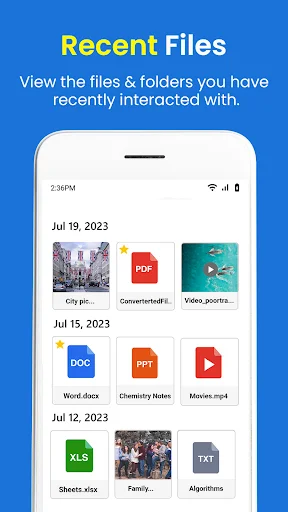
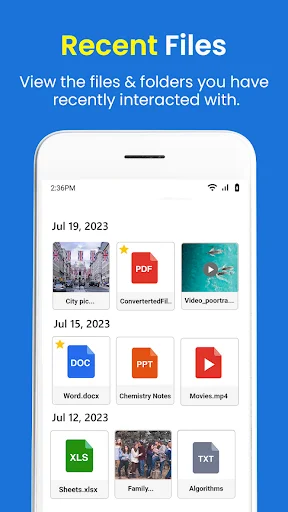
- My File Manager For Android: Quickly access recently used files without hassle
- Manage Files And Folders: Connect to FTP servers for remote management
- File sharing: Share via email, messaging apps, or create shared folders
- Hidden folders: Enable settings to view hidden data
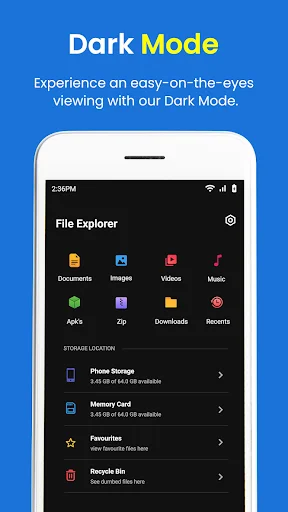
- Customization: Choose between light and dark modes and personalize themes
Streamline Your File Management with My File Manager For Android!
Efficiently manage folders with My File Manager For Android. Navigate through your storage with an intuitive interface that allows you to organize data seamlessly. Use advanced tools like storage analysis to identify large ones and free up valuable space. File Explorer Root Browser ensures all your data is at your fingertips, keeping your device tidy and efficient.
Enhanced File Management Utility:
File Browser Pro offers a robust set of tools designed for advanced file handling. With features like built-in viewers and editors, managing multimedia files or documents has never been easier. Keep your data organized and accessible with a single app that combines simplicity and efficiency.
Folder Sharing Made Simple:
Manage Files And Folders in just a few taps with File Explorer Root Browser. Whether you need to send via email or set up shared folders, this file management utility ensures seamless transfers. FTP support adds another layer of flexibility for remote management.
Customize Your Experience:
Personalize your manager with themes and shortcuts. My File Manager For Android lets you adjust settings to match your preferences, ensuring an experience tailored to your needs. Choose light or dark modes to enhance usability and comfort.
Get Started with File Browser Pro Today!
Take control of your data with File Explorer Root Browser and experience the ultimate file management utility. Organize, share, and manage files and folders with ease. Whether you're a student, a professional, or anyone needing an efficient file manager, File Browser Pro is here to simplify your life. Download it now and manage your files like a pro!
See How Simple File Management Can Be
Join Over 1 Million Satisfied Users
File manager does exactly what I expect it to do. It allowed easy access to my pictures and stuff on my new phone while there doesn't seem to be built in apps or options to look at that stuff anymore. A bit bummed that I can't see some files (like the file system of some apps for ripping models from games for fun and all) but it didn't particularly advertise that so I can't deduct anything for that. Gets the job done and I was happy to see my pictures when I wanted to see them!
Wowthis app is superb.It help me cleaned files i thought i have deleted itand even help you restore files you accidentally deleted
It's actually a really good. I cn actually make folder and organize all the images, video and documents. easy to use as well!
Excellent tool with an easy to use yet power UI. Does exactly as stated. Well done!
great app for organising your important documents
it's a better way to manage all my files