Brightness Control per app
Set custom brightness levels for each app and let automation do the rest. No more manual adjustments – just perfect brightness that adapts to what you're using.
Download on Google PlaySmart Features That Make Brightness Effortless
Custom Settings Per App
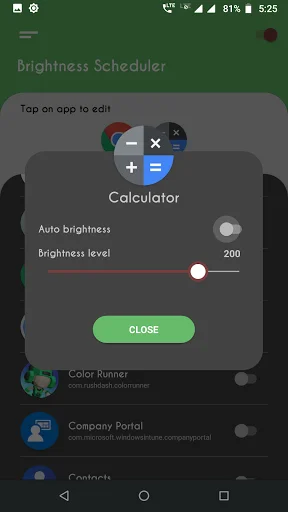
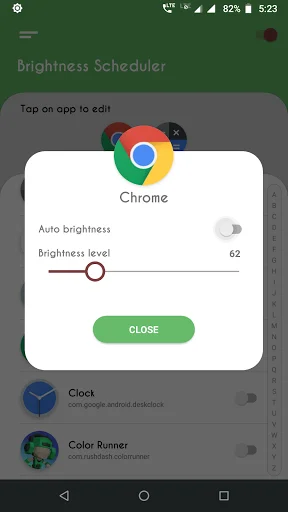
Different apps need different brightness levels. Set unique brightness for reading, gaming, videos, and any other app. Your settings stay exactly how you want them.
Automatic Smart Adjustment
The app detects which app you open and instantly applies your saved brightness settings. Switch between apps seamlessly while your screen adjusts automatically – no tapping required.
Comfortable in Any Environment
Whether you're reading in bed at night or checking messages in bright sunlight, your screen is always at the optimal level. Protect your eyes and see clearly in every situation.
Quick and Easy Setup
Simple interface lets you configure settings in seconds. Just select an app, choose your preferred brightness, and you're done. The app handles everything else automatically.
Brightness Increaser: Screen Dimmer - The Ultimate Brightness Control Tool!
Brightness Increaser: Screen Dimmer—take control over your screen brightness. The app offers the possibility of setting and fine-tuning any application separately. No more manual changes needed—just an automated process through which to breeze using brightness tailored just for you. Brightness Increaser: Screen Dimmer is here to make your device truly adaptable.
Whether in a dimly lit room or outdoors in bright sunlight, Brightness Increaser: Screen Dimmer ensures your screen is always at the optimal level.
Key Features of Brightness Increaser: Screen Dimmer:
- Configure settings for specific apps effortlessly
- Automatically adjusts screen light when you open selected apps
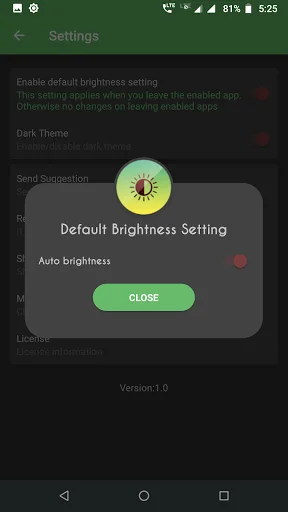
- Default settings for apps without custom configurations
- Intuitive and user-friendly interface for quick setup
Why Choose Brightness Increaser: Screen Dimmer?
Screen Brightness Dimmer offers a unique solution for precisely managing your screen's levels. By enabling automatic adjustments, you no longer need to fiddle with settings whenever you switch between apps.
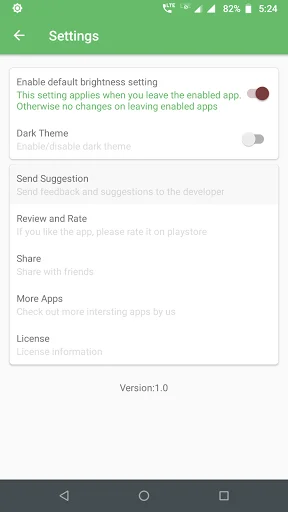
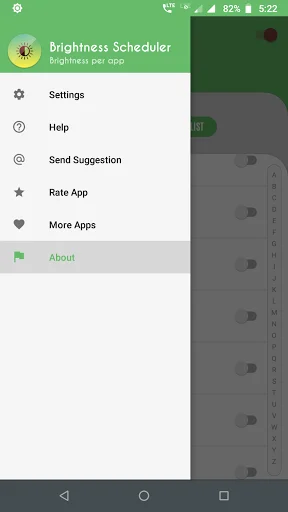
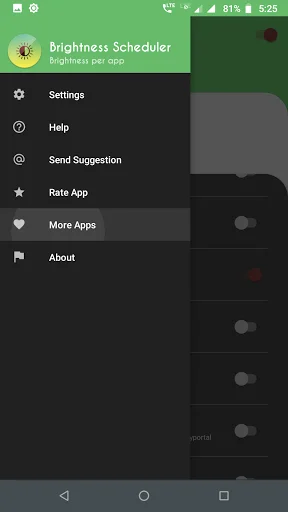
This app also includes advanced options to handle devices with maximum levels exceeding standard limits. Navigate to the settings menu to find and fix your device's maximum level, ensuring the best results for your screen.
How to Use Screen Brightness Dimmer:
- Grant the necessary permissions for the app.
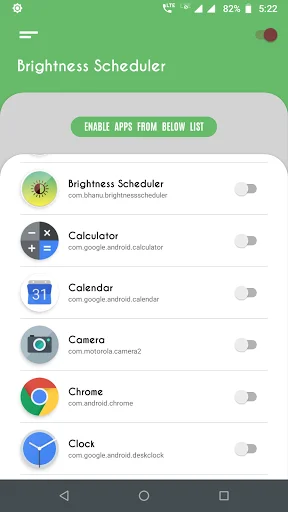
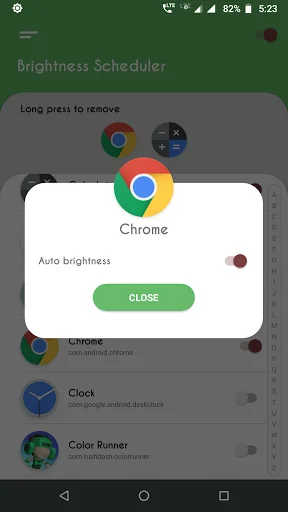
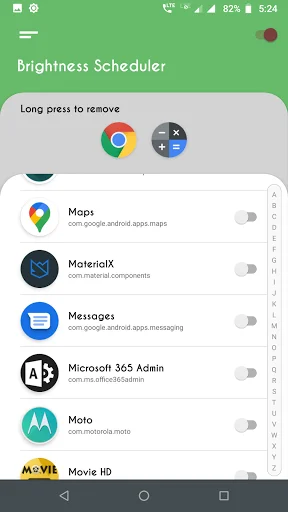
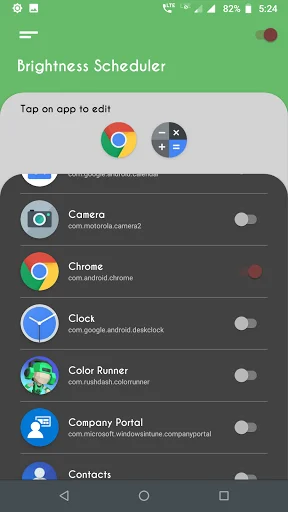
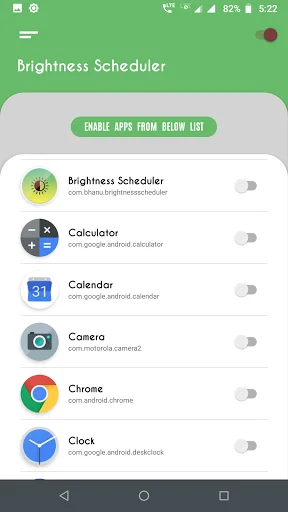
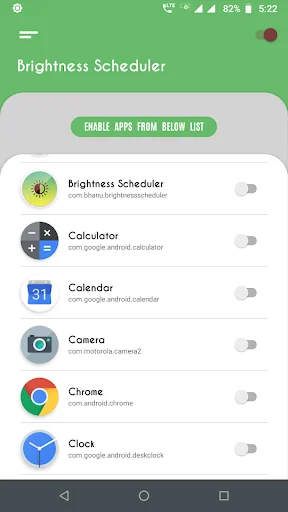
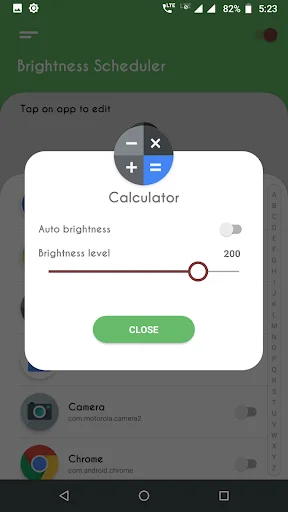
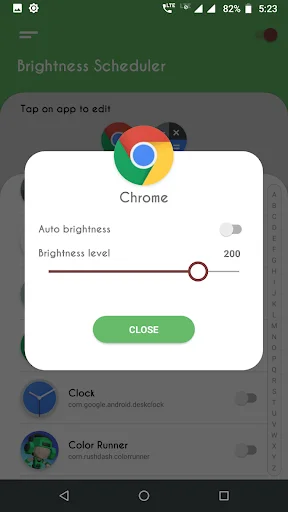
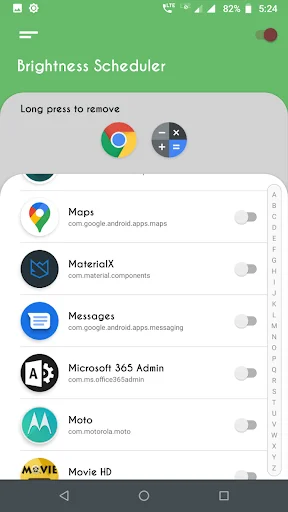
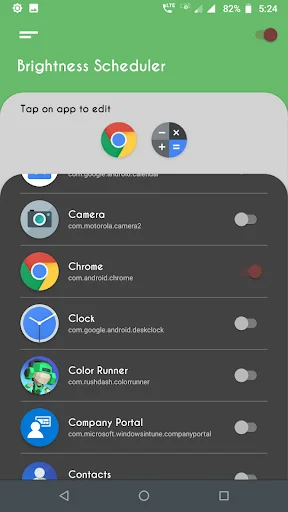
- Enable specific apps for custom settings.
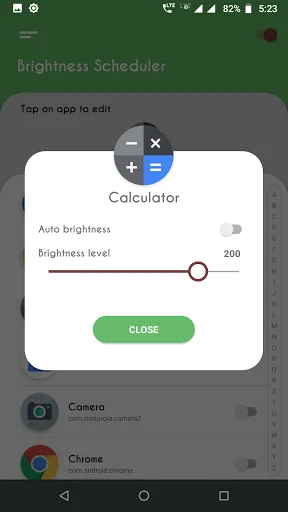
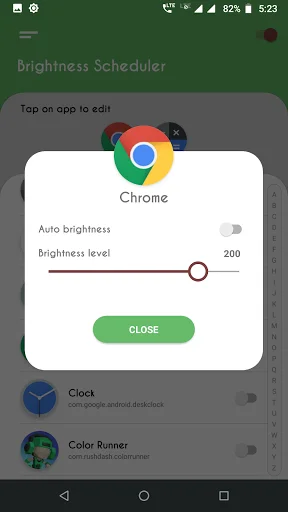
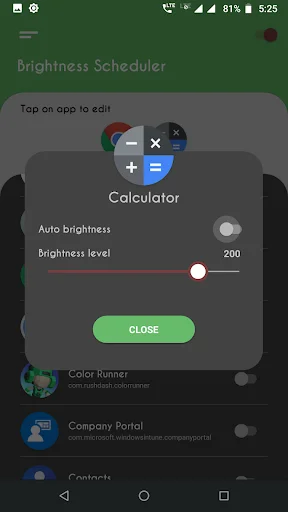
- Use the toggle switch next to the app name to configure screen light.
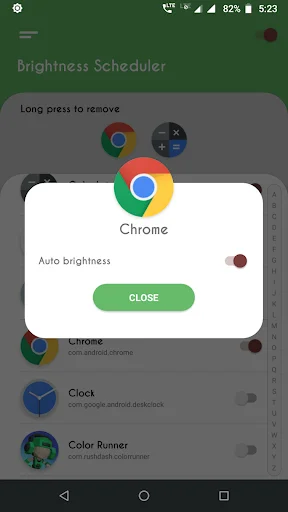
- Choose your desired level or enable auto mode.
- Enjoy seamless control with minimal effort.
With Screen Brightness Dimmer, you can also configure default settings for apps that are not explicitly set up. This feature ensures a smooth transition back to your preferred level when you exit configured apps.
Transform Your Device with Brightness Increaser: Screen Dimmer!
Experience the ease and efficiency of Adjust Brightness Control. Say goodbye to constant manual adjustments and let the app handle your changes. Whether you need Screen Brightness Dimmer for specific apps or Adjust Brightness Control for the entire device, this app has you covered. Download now and enjoy effortless management!
Optimize Your Experience with Adjust Brightness Control
Adjust Brightness Control requires background services to be active for real-time adjustments. Permissions such as "Modify System Settings" and "Usage Access" are necessary to ensure the app works as intended. These permissions enable the app to automatically check running apps and apply the appropriate settings.
Additional Notes:
- Make sure the Brightness Manager switch is enabled for the app to function.
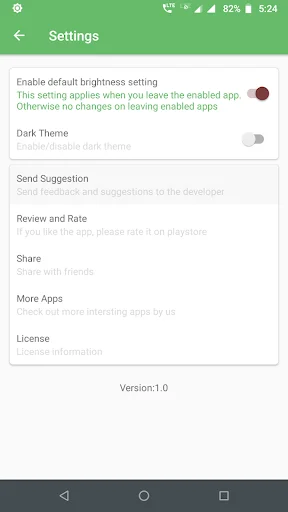
- Default brightness settings can be turned on in the app settings for a hassle-free experience.
- Auto-brightness mode prevents manual adjustments for configured apps, keeping your device optimized.
See How Simple Brightness Control Can Be
Loved by Thousands of Users Worldwide
I was facing a serious issue with my phone’s brightness—it was so low that I could barely see anything clearly. After explaining the problem to ChatGPT, it recommended the Brightness Control per app application. I downloaded and configured the app, and now I’m truly satisfied with the brightness control on my phone. I sincerely thank the developers of Brightness Control per app for providing such a simple yet effective solution. This app really made a difference—highly appreciated!
wow this is miracle app for me. my s8 plus screen suddenly white and blink and very expensive amount to repair it,but when i download this app and enable it my phone immediatly recover like a charm thanks developer🥰🥰🥰🥰
App effective as it is. One minute of using it am impressive.Big up man an awesome experience. have a nice time using the app to new users.Congrats to the developer feel acknowledged.
This app works very well and i dont get why it has such a poor, undeserved low rating.
nice nd amezing app my eyes got a lot of relief from this app
Nice extra brightness for A9 2020 OPPO